Had some positive feedback on Swaybang so have been working on getting installer running as well as adding some new features.
Sbinstall now runs from terminal as a single command, no need to add sudo or flags.
Keyboard layout should now be set during install.
Post install cleanup of installer and related files from target device.
Installer has less menu options to get you up and running faster. Points to note are new user password is also set for root, Mirrorlist is simply uncommented so user will need to create/edit to suit there own local servers. If you need help with any of those points or general support related to SwayBang please get in touch.
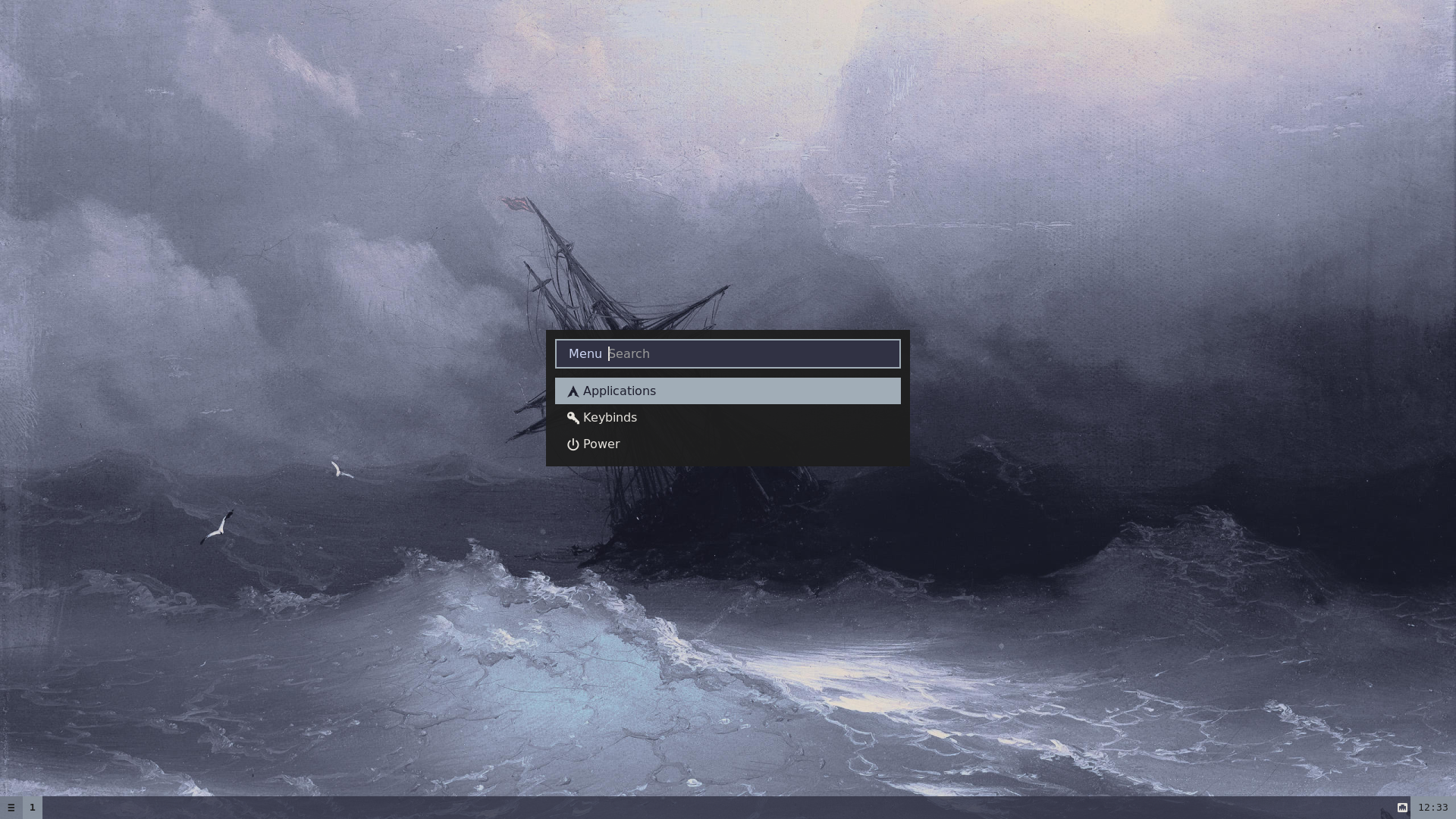
Have also added a menu launcher in waybar that will bring up a small rofi menu of options. It includes the normal Applications rofi menu, Keybinds [which opens in l3afpad and Power menu [logout, reboot, poweroff]. Thanks to Alan for the suggestion.
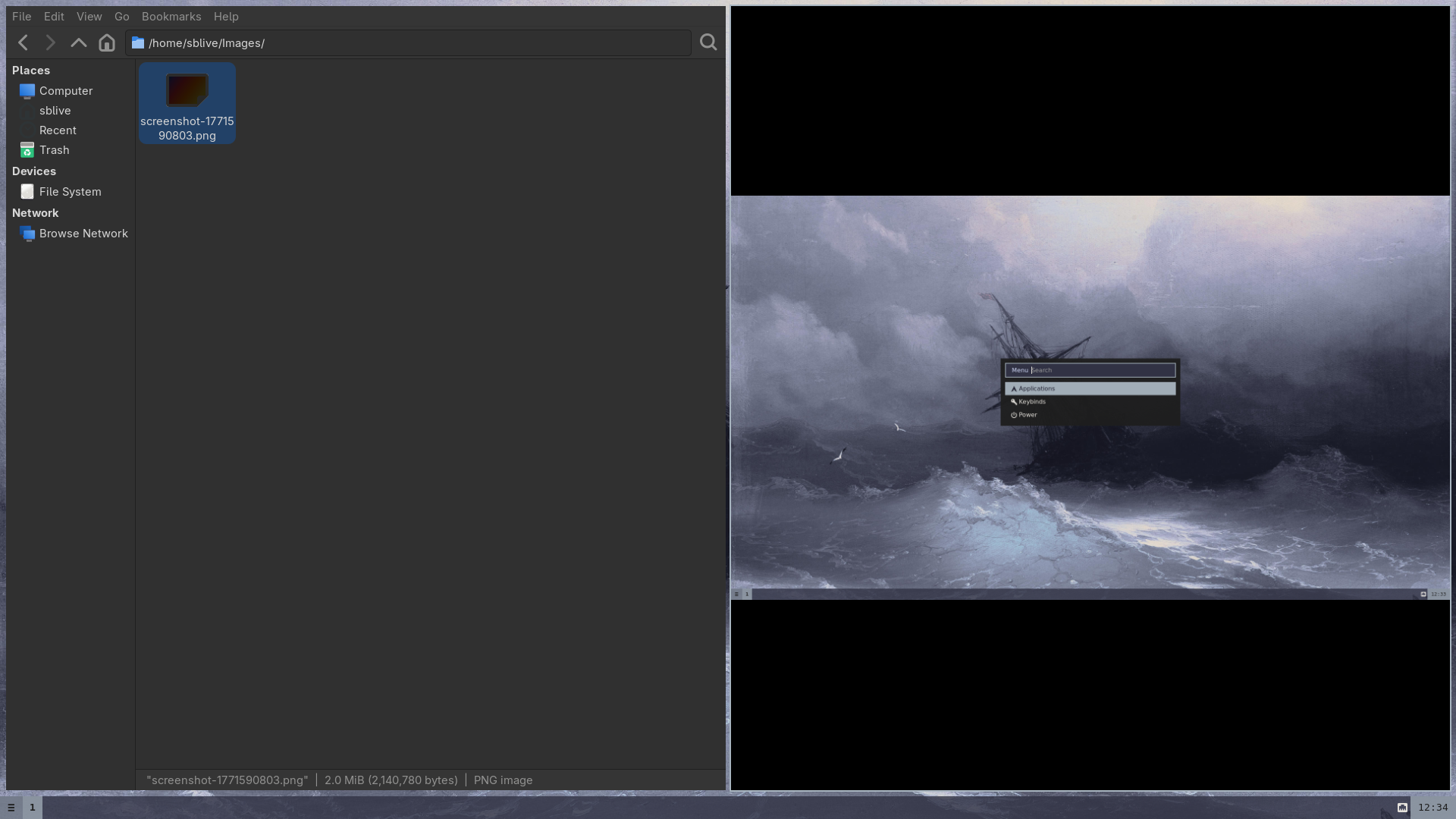
Not much has changed in Sway itself other than using Super+p rather than Print key, it also now simply saves screenshots to ~/Images folder.
Have a feeling a new kernel will come soon but I will get image built and uploaded as soon as possible.
As always thanks for all the support and feedback, if you can spare a dollar or some coin for coffee and cover hosting costs it all helps.
Stay safe 😉